

Families
Share a cookbook with the people you live with. Everyone can add recipes, make a list or do the shop.
- One cookbook everyone can use
- See list changes straight away when online
Import recipes from websites, photos or social posts. Choose your portions and get one shared shopping list.
14 days free. No card needed.
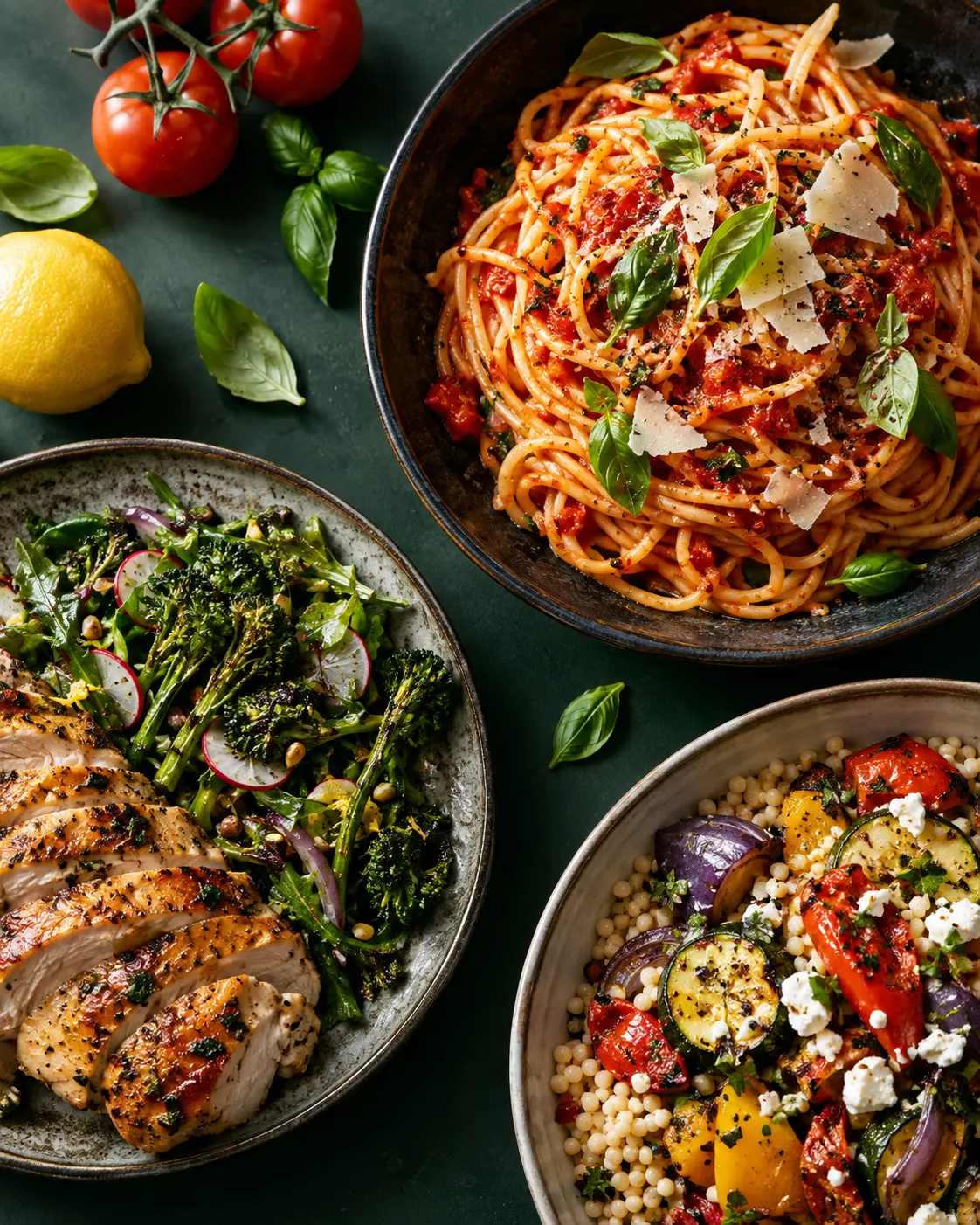

Save the meals you like, choose your portions and get a list everyone at home can use.
Import a website or social recipe link, upload a photo, or add your own recipe.
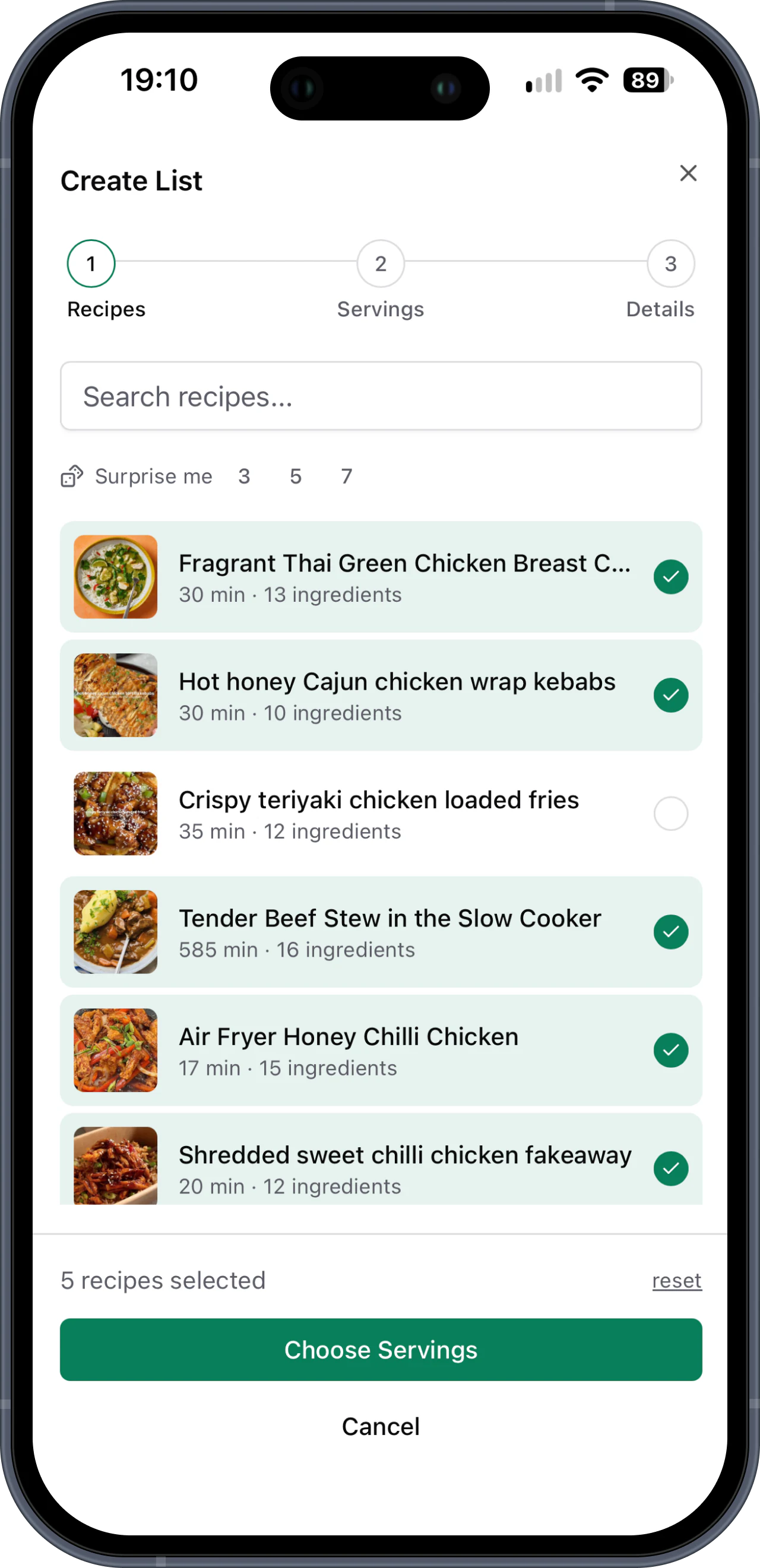
Pick recipes from your cookbook and tell us how many each meal needs to feed.
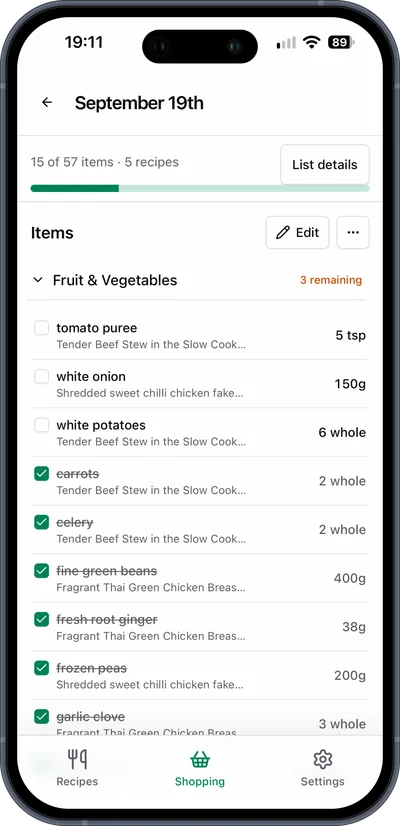
We'll add matching ingredients together. Add extras and tick off items with your household.
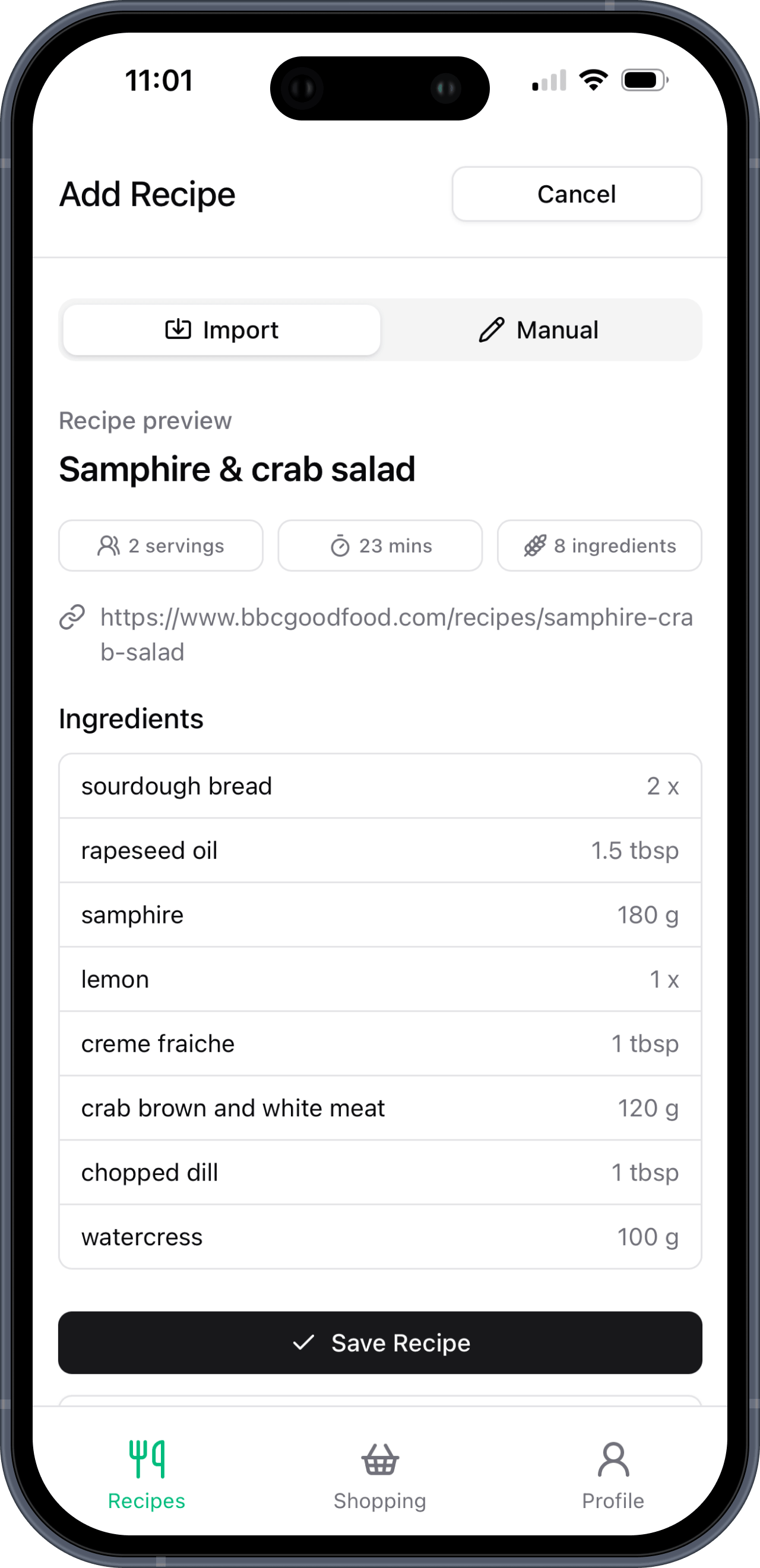
Bring recipes from your favourite websites and food blogs into your cookbook. Paste the link, check the details and use the ingredients in your next shopping list.
Paste a recipe link to save typing in the ingredients.
Check the ingredients, how many it feeds and how long it takes to cook.
Save the recipe to your cookbook. Pick it next time you make a shopping list.
Use a recipe link anyone can view. Some links can't be imported, but you can always add a recipe by hand.
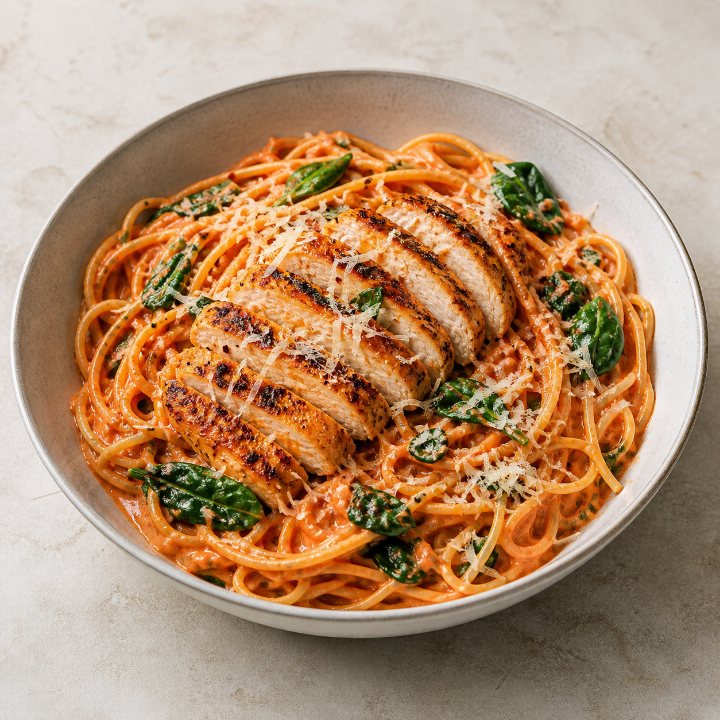
Put your favourite recipe books to work. Upload a clear photo of a recipe page and save it to your Basket List cookbook.
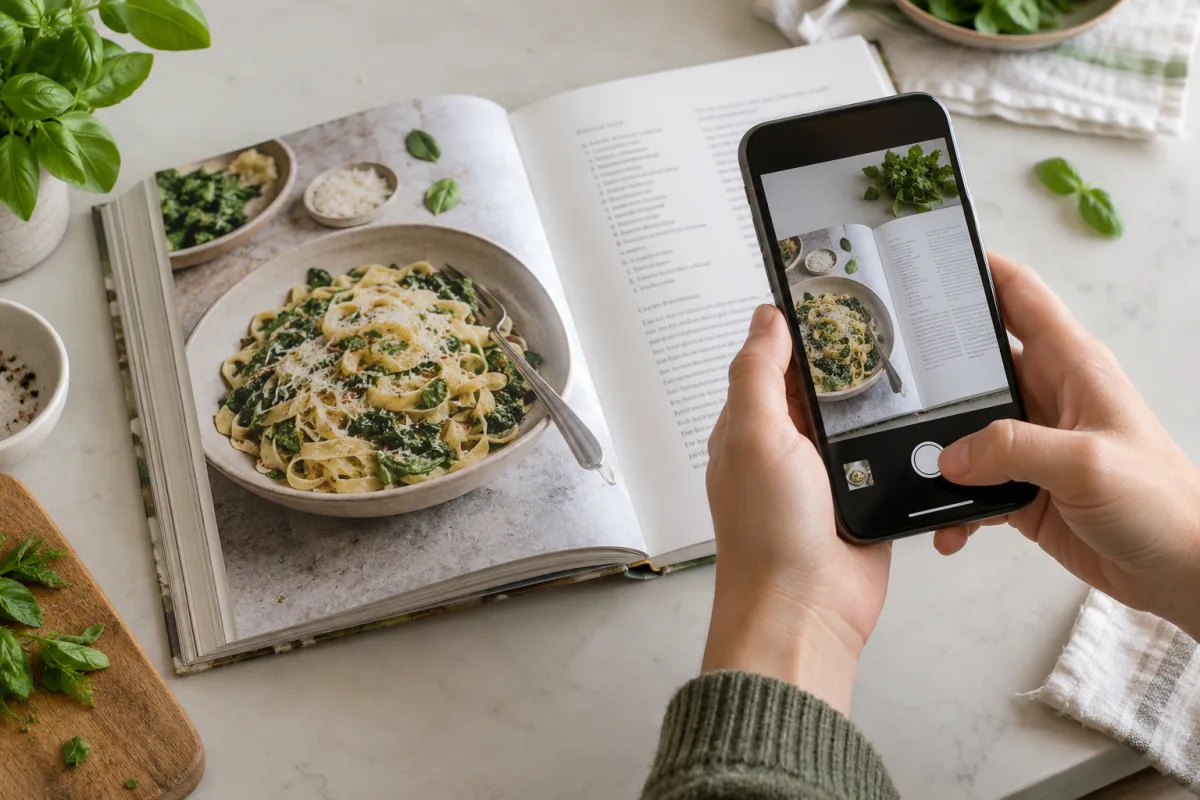
Photograph a recipe page from a book or magazine, then upload the photo.
Review the ingredients and amounts. Fill in anything the photo couldn't capture.
Save it to your cookbook, choose your portions and add it to your next shop.
Invite the people you live with to your cookbook. Everyone can add recipes, make shopping lists and do the shop. You all use the same list, and changes show straight away when you're online.

Open your list in the app before you leave. In the shop, you can keep using it even when the signal drops.
No app store needed
Creating lists and adding recipes need a connection.
Give a friend easier food shopping. When they join through your link and make their first payment, you both get 3 free months.
For active monthly or annual plans. Credit is worth 3 months of your own plan and comes off a future bill. Your friend's first payment is charged in full.
Read the referral terms3free months
For you and your friend
“Now I just select the recipes I want for the week and they're added to my Basket List, neatly categorised and ready to add to my online Tesco basket.”
“I used to save recipes in Apple Notes or search for them again every time I needed to do a shop. Now I use Basket List to save all my favourite recipes and the recipe importer is a huge time-saver. It automatically saves everything for me.
I used to dread doing the online shop, jumping between loads of tabs, fighting against adverts on recipe pages and trying to work out what I needed. Now I just select the recipes I want for the week and they're added to my Basket List, neatly categorised and ready to add to my online Tesco basket. It's made the whole process so much quicker and much less of a chore.”

Andy
Basket List user
“A great app that makes meal planning & food shopping so much easier each week. I love that everything is all in one place, it saves time & most importantly money!”
Jazmine
Basket List user
Shopping for the family, making lunches for the week or picking a few dinners? Choose your meals and we'll help with the list.
Share a cookbook with the people you live with. Everyone can add recipes, make a list or do the shop.
Cooking a few meals at once? Pick your recipes and portions. We'll put all the ingredients into one list.

Pick this week's dinners. We'll make one list with the ingredients and amounts you need.
Simple pricing
Try everything free for 14 days. No card needed.
Both plans have the same features. Everyone in your cookbook is included.
£3 /month
Billed monthly. Keep it flexible.
£25 /year
Billed yearly. Save £11 compared with monthly.
Save recipes, share a list or plan the family food shop.
Pick meals from your cookbook and say how many people you're feeding. We put the ingredients into one list and add up the amounts. Add any extras you need, then tick things off as you shop. Everyone in your cookbook can use the same list.
You can try everything free for 14 days. You don't need a card. After that, it's £3/month or £25/year. One plan covers your whole household, with no extra charge per person.
Start a cookbook and add a few meals you like. Paste a recipe link, upload a photo or type it in. Then choose your meals and how many people you're feeding. We'll make the shopping list for you.
Yes. Paste a public recipe link from a website, food blog, Instagram, Facebook or TikTok. Check the ingredients and save it to your cookbook. Some links can't be imported. If a link doesn't work, you can type the recipe in yourself.
Yes. Upload a clear photo of a recipe page from a book or magazine. We'll extract the recipe for you to review. Check the ingredients and quantities, fill in any missing details and save it to your cookbook. You can then use it in your shopping lists like any other recipe.
Yes. Share your cookbook's invite code with the people you live with. Everyone can add recipes, make lists and do the shop. One plan covers the whole cookbook. When you're online, everyone sees list changes straight away.
When recipes use the same ingredient, we add the amounts together. So if two recipes need onions, you see one line with the total to buy. You don't have to add it up yourself.
Yes. Choose the saved recipes you want to cook and set the portions for each meal. We'll combine matching ingredients and add their amounts together. Everyone in your cookbook can use the finished list.
Yes. Add the recipe's name, ingredients, servings and cooking time. You can also add a link to the original. Everyone in your cookbook can use it when making a shopping list.
People who cook from saved recipes and want less list-making. Couples and families can share the cooking and shopping. Batch cooks can combine the ingredients for several meals in one list.
Yes. Install Basket List and open your lists while you're online so they're saved to your phone. You can then open those lists and tick off items without signal. Your changes update when you're back online. You'll need a connection to make new lists, add recipes or see changes from other people.
After your friend's first payment, if you both have monthly or annual plans, you each get money off a future bill, worth 3 months of your own plan. For monthly plans, we use the monthly price. For annual plans, we divide the annual price by 12, multiply it by the number of reward months and round up to the next penny. Your friend's first payment is charged in full; the credit applies to a future invoice. See the referral terms.
Import a recipe, choose your portions and make a shopping list everyone can use.
Import your first recipe14 days free. No card needed.
Less scrolling. More cooking.
Found a recipe on Instagram, Facebook or TikTok? Paste the public link, review the recipe and save it somewhere you'll use it.
Bring your saved recipes together, choose your portions and turn inspiration into one shared shopping list.
From your feed to your cookbook
Copy the recipe link. Make it a meal.